🚀 Your First Design
Welcome to your first end-to-end experience with InForm! This guide will walk you through creating and connecting your first parametric design from Grasshopper to the InForm Web Platform.
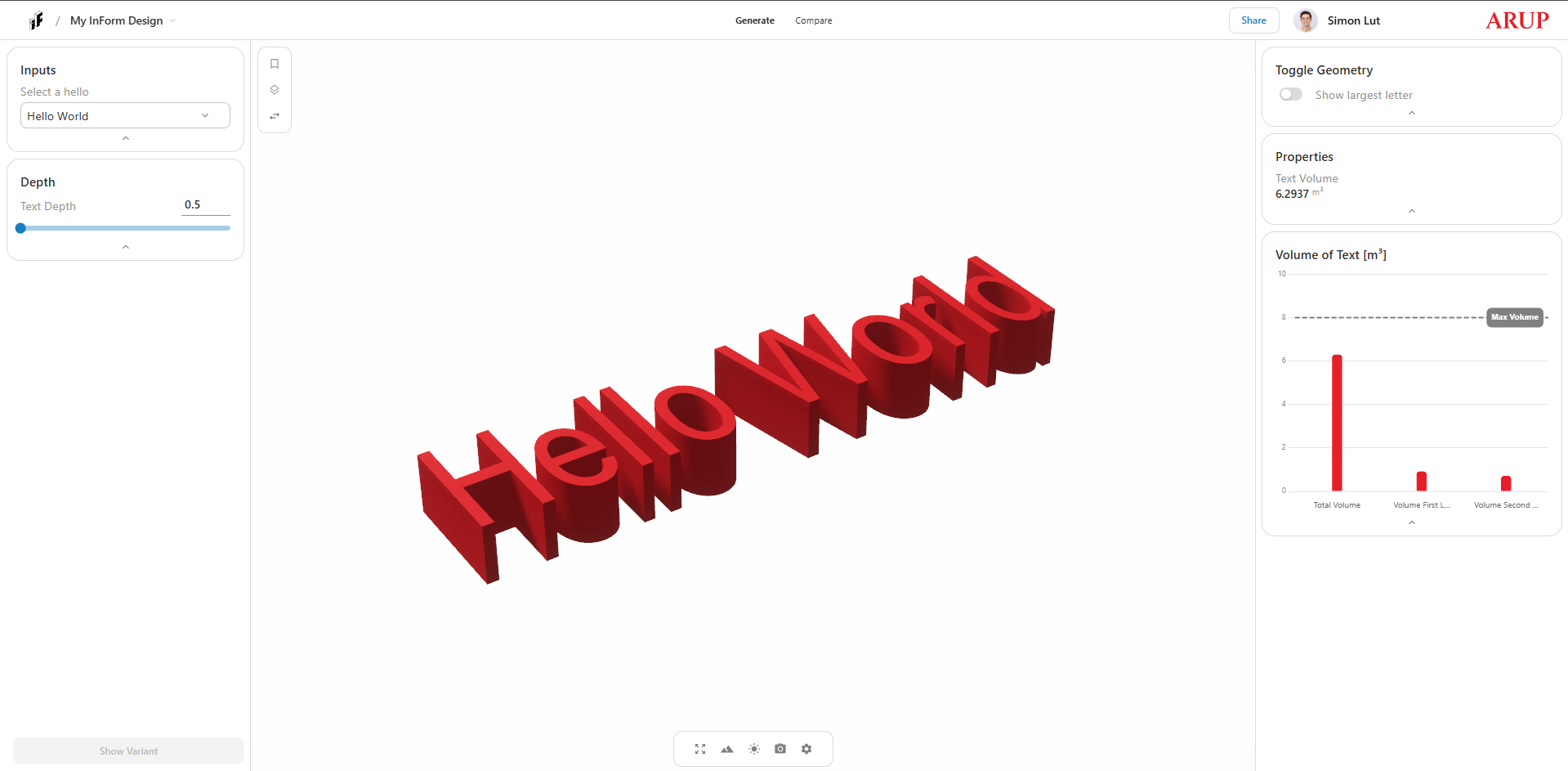
What You'll Learn
By completing this guide, you will:
- ✅ Connect a Grasshopper script to the InForm Web Platform
- ✅ Upload and visualize parametric geometry
- ✅ Interact with design parameters through the web interface
- ✅ Understand the basic InForm workflow
Time Required
Approximately 15-20 minutes for the complete walkthrough.
Prerequisites
Before you begin, ensure you have:
- ✅ Completed the Installation guide
- ✅ Access to the InForm Web Platform (Arup account required)
- ✅ Rhinoceros 7/8 with Grasshopper open and running
- ✅ Basic familiarity with Grasshopper (recommended but not required)
New to Grasshopper?
If you're new to Grasshopper, we recommend reviewing these tutorials: Grasshopper Jump Start ↗
1. Try the Simple Example
Download and open a working example script to understand InForm's structure.