3. Compare in 3d
In some cases you want to compare variants in the 3d viewer directly.
This is very useful if you want to compare two different analysis results for example.
1. How to compare in 3d
- View a variant in the 'Generate tab'.
- Make sure you have a preset marked as baseline
- Click the compare button next to the inputs.
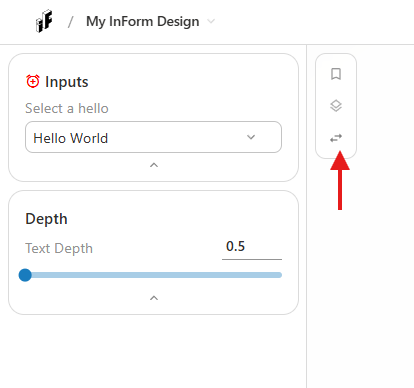
- The screen will be split in two.
- Left screen = baseline
- Right screen = current variant (the current combination of inputs)
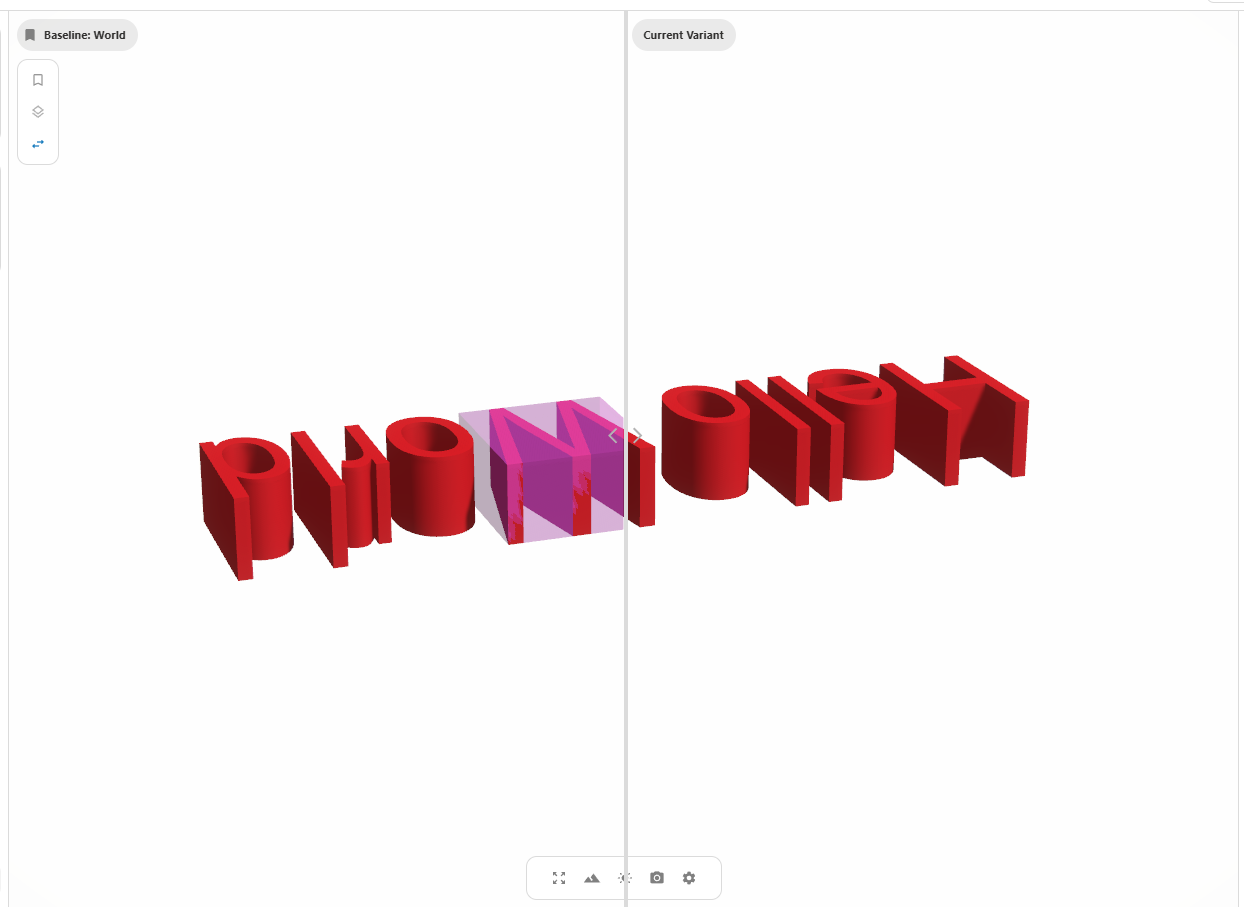
- You can move the middle bar to the left / right.
- Let's see what a change in Text Depth looks like. Change the text depth to 0.8 and show the variant.
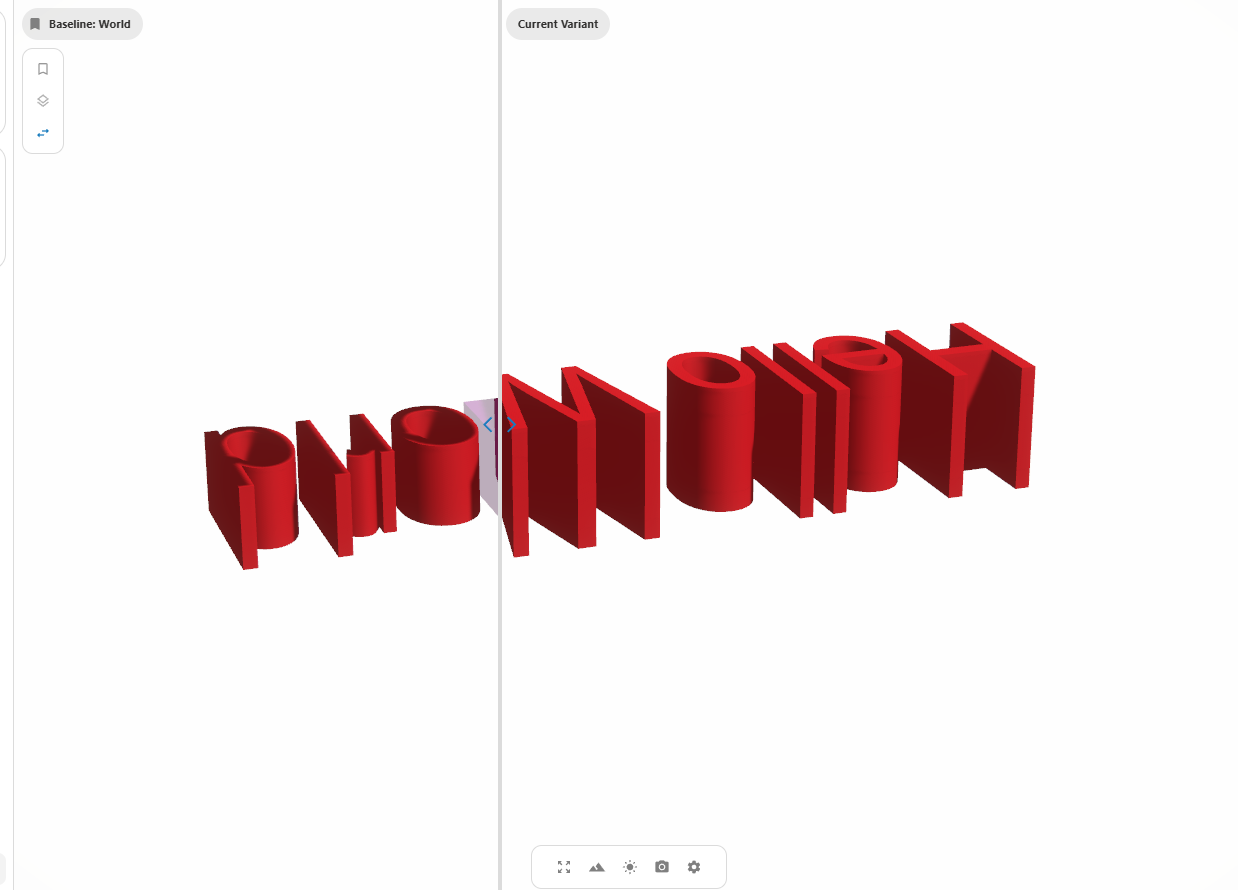
- You are now able to compare the two different text depths directly in the viewer! 📺
Tips for Effective Comparison
- This feature is useful for compare small differences in geometry.
- Context geometry is not effected by the comparison.
- Actions won't work as usual.